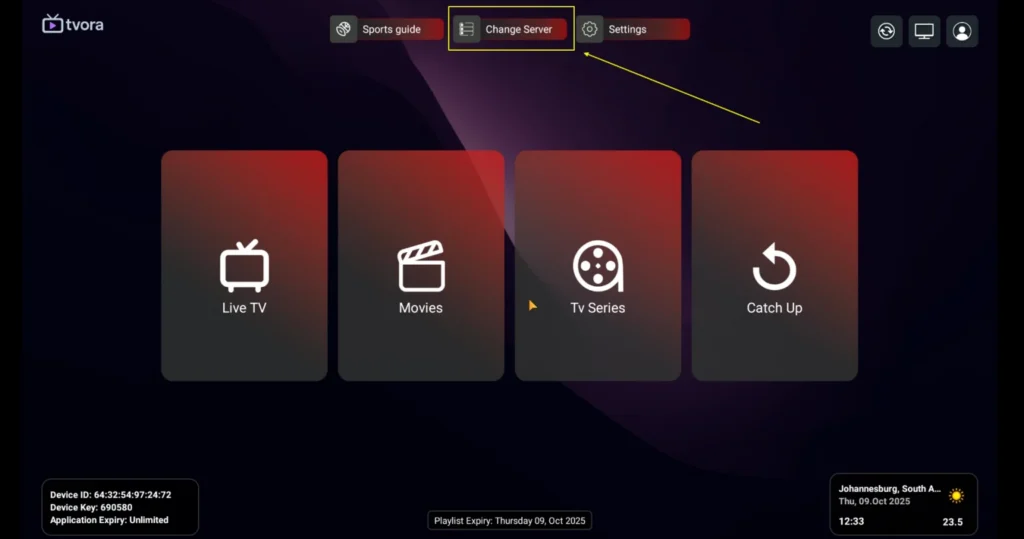
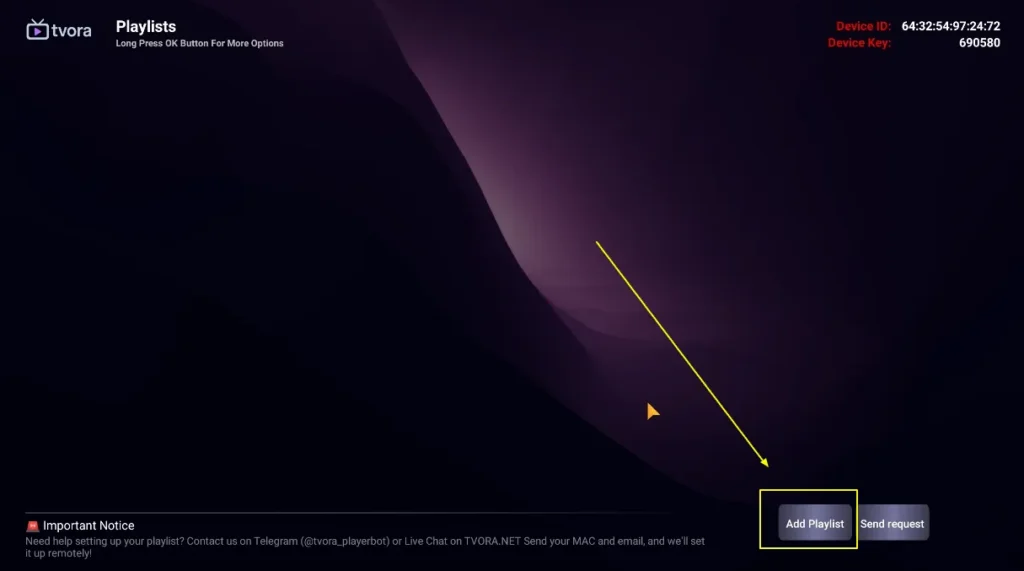
Any Android Device How to setup IPTV on Android with TVORA Player Step 1: Start by downloading TVORA Player through this URL : https://2u.pw/ZOlazY Step 2: Open the app once downloaded and installed. Select Change Server + Add Playlist. Step 3: Then select +Add Playlist Step 4: Enter the login details that we have provided you after you get a subscription with us Now Click on “LOGIN” to proceed to the next section.Step 5: Wait some seconds. You will then be prompted to enter a name for your playlist. Simply enter a name that you’d like to use to identify it. Step 6: Next click on “Live TV,” “Movies,” or “Series,” depending on what you’d like to watch and enjoy.